Build once. Scan anywhere. Power every QR experience.
The QR code is not the product — the experience behind it is. QRFlow turns every code you print into a living destination: 200+ experiences from phone calls and payments to full menus and lead forms, designed in a no-code canvas builder.
100% Free during Open Beta. No credit card required.
Generate different types of QR Codes
QR codes can hold a large amount of content and at QRFlow, we offer them all.
Website
Connect your URL to a QR code so everyone can access your website quickly and easily. Turn every visit into an opportunity for growth!
Generate QR Code for Website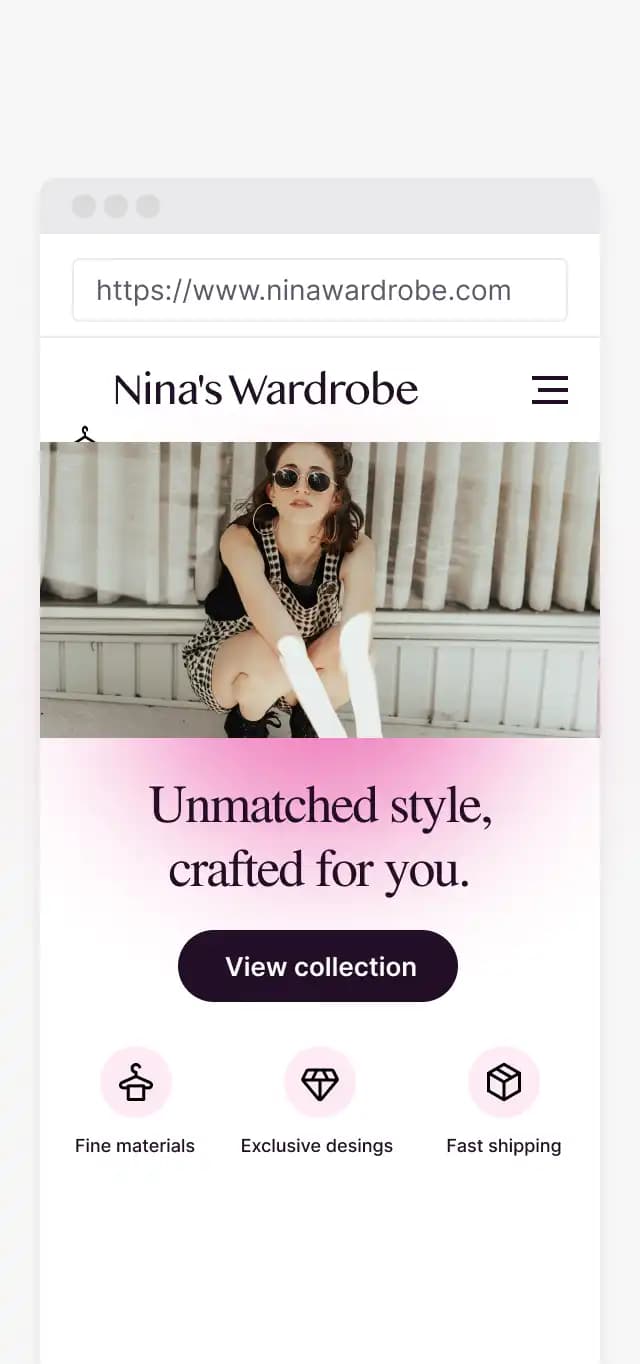
Provides quick access to your website or online store with a simple scan, and optimizes the experience of users and potential customers
Update the link as many times as you need without having to modify the printed QR code, always ensuring relevant content.
Your all-in-one marketing platform
Everything you need to create, manage, style, and analyze dynamic QR experiences for your business.
Complete analytics
Understand performance with detailed data
Editing and management of QRs
Customize and organize your QRs.
Dynamic QR Codes
QR codes that can be updated in real time
Unlimited Contributing Users
Manage your QR codes as a team
Variety of download formats
Expand the possibilities of use of your QRs with vector & print files
Templates
Save and reuse your own designs
Static QR
Permanent QR codes with zero expiration
Password access protection
Protect scanner destination with passcodes and PINs
Event tracking
Track custom events and conversions per scan
Discover how to use QR codes to boost your marketing strategy.
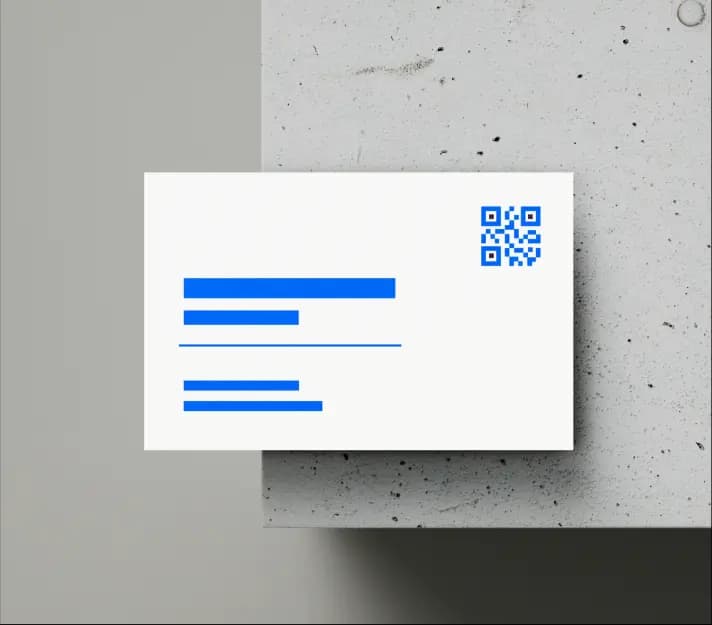
Business cards
Turn your card into an interactive tool by adding a QR code that connects clients and employers with your work, social networks and contact information.
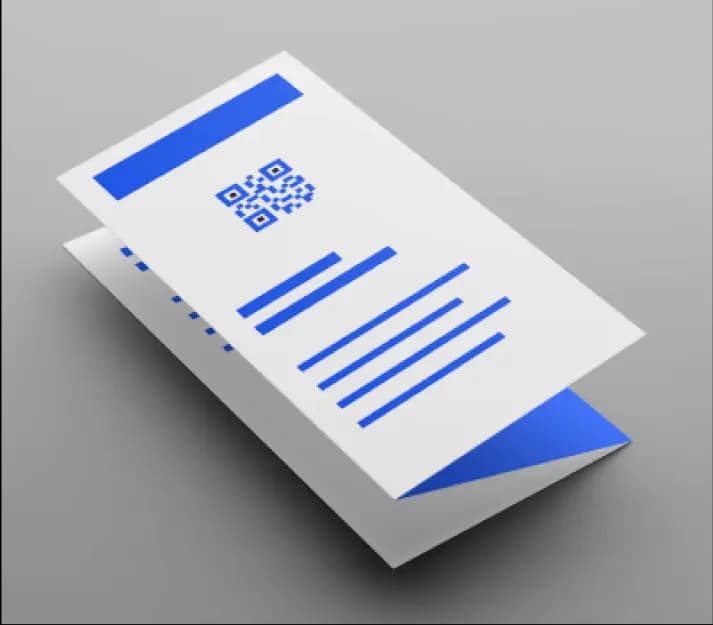
Pamphlets
Expand the printed information on your pamphlets with a QR code, offering interactive content and measuring its reach in real time.
Brochures
Complement the content of your brochures by adding a QR code that provides access to multimedia content such as videos and online documents.
How to create a QR code?
1. Choose content type
Select from a wide variety of options: PDF, menu, video, vCard, websites, or mobile apps.
2. Customize & design
Fill in details and use our design tool to add colors, custom frames, and your logo.
3. Download & publish
Download high-resolution vector and print-ready QR codes for all your media.
Explore our extensive collection of QR codes
QR codes can contain a wide range of content and at QRFlow we offer them all.
Create a unique invitation for an unforgettable event.
Digital RSVPs, event location maps, photo uploads, and gift registries for your special day.
One platform, many businesses
- Update your menu or offer without reprinting anything
- Collect reviews and feedback at the counter
- See which locations and time slots get scanned most
Are QR codes free?
You can create static QR codes for free and they never expire. For Dynamic QR codes, all features and experience modules are fully unlocked for testing with zero credit card required.
Do I need a credit card to start the trial?
No, you can sign up and create your first dynamic QR code in seconds without entering any credit card details.
Will I be charged automatically after the trial ends?
No automatic charges will ever occur. You have complete control over your account subscription.
What happens to my QR codes if I don't upgrade?
Your dynamic short links and printed QR codes remain active so customer scans are never broken.
Can I cancel my subscription anytime?
Yes, you can cancel your subscription at any time directly from your organization settings dashboard with a single click.
What is the difference between static and dynamic QR codes?
A static QR code encodes raw text or a fixed URL directly in the pattern matrix and cannot be edited after printing. A dynamic QR code routes scanners through a permanent short URL, allowing you to edit the destination link, swap experience modules (e.g. from a PDF to a Menu), and view real-time scan analytics anytime without reprinting.
Can I use the QR codes for commercial purposes?
Yes, all QR codes generated on QRFlow are 100% royalty-free for commercial use on products, flyers, packaging, and digital media.
Can I add my logo to the QR code?
Yes, you can upload your custom company logo (PNG, SVG, JPG) and automatically center-embed it with customizable mask shapes and margins.
How do I customize the colors of my QR code?
Our QR Design Studio allows you to set custom foreground colors, background colors, gradient fills, and eyeball border accents to match your brand guidelines.
Can I add custom Call-to-Action (CTA) frames?
Yes! Select from dozens of pre-designed CTA frames like 'SCAN ME', 'VIEW MENU', 'SAVE CONTACT', or write your own custom CTA label.
Is there a limit on how many QR codes I can create?
During open beta, you can create unlimited static and dynamic QR codes across all your organization workspaces.
What resolution should I download for high-quality printing?
We recommend downloading vector SVG or high-resolution PNG (300 DPI) for physical printing on business cards, brochures, banners, or product packaging.
What is the minimum recommended print size for a QR code?
We recommend a minimum size of 2 cm x 2 cm (0.8 in x 0.8 in) for standard scan distance, with at least 4 mm of quiet white border margin around the outer edges.
Can I test my QR code before printing in bulk?
Yes! Always perform test scans on multiple mobile devices (iPhone iOS camera app and Android Google Lens) under standard lighting conditions before sending artwork to print.
Can I change where the QR code points after printing?
Yes! As long as you generate a Dynamic QR code, you can change the target URL or experience module anytime without reprinting your physical QR graphic.